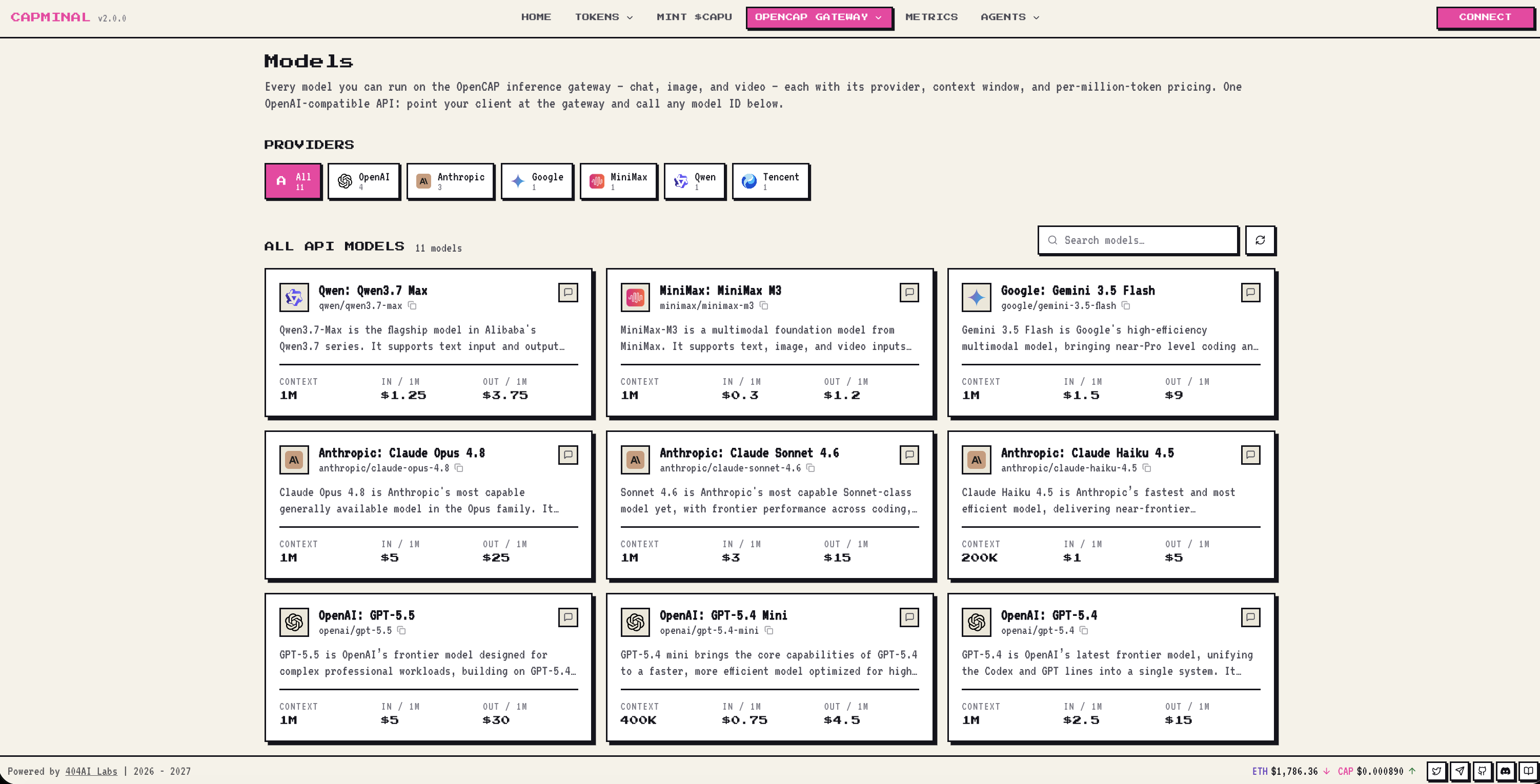
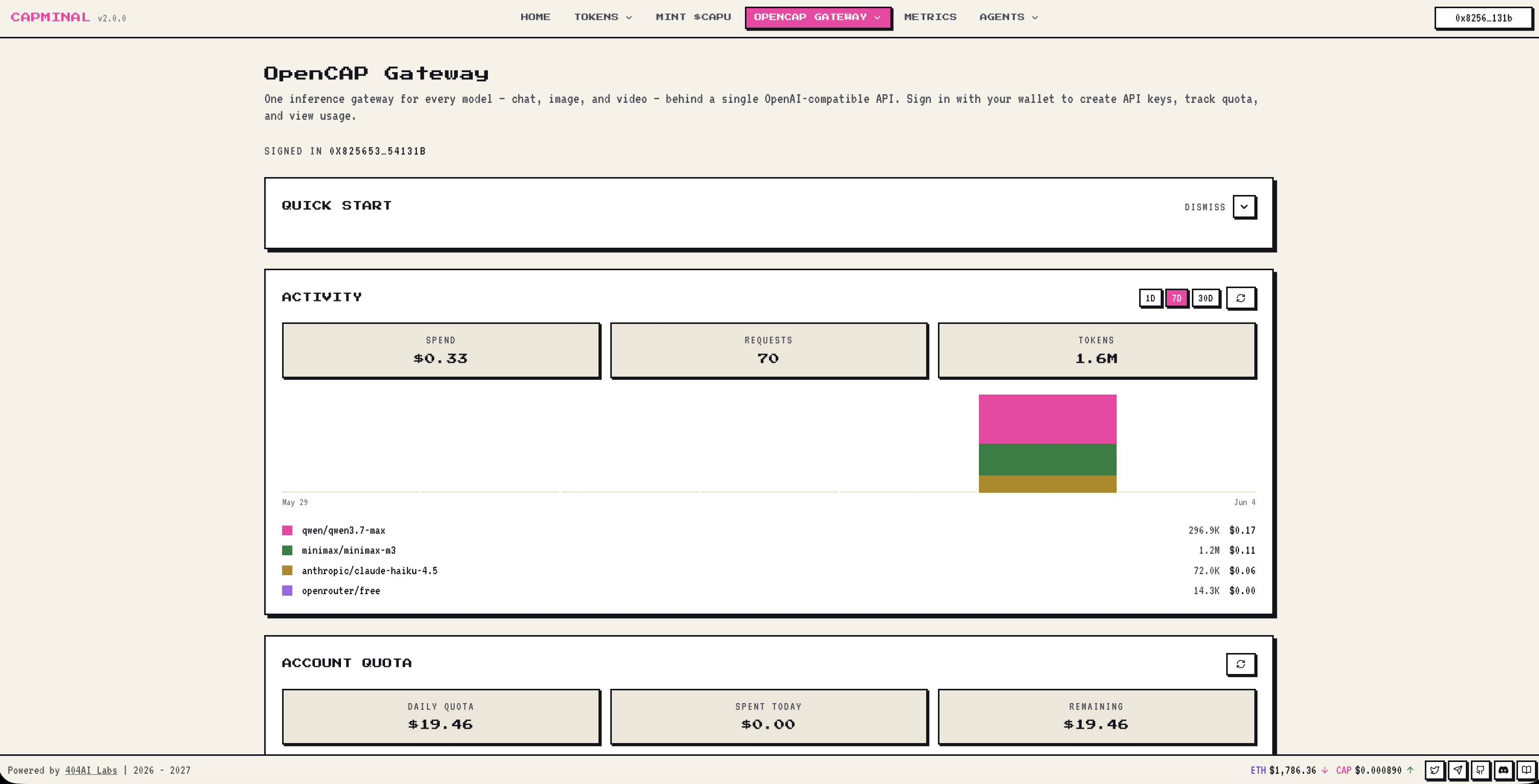
OpenCAP
One key. Every model. Powered by your staked CAPU.
OpenCAP is a unified LLM gateway that lets you create an API key and tap into a wide range of AI models through a single, OpenAI-compatible endpoint:
https://gw.capminal.aiInstead of juggling separate accounts, billing, and SDKs for every provider, you point your app at one base URL, authenticate with one key, and route requests to whichever model you need.

How it works
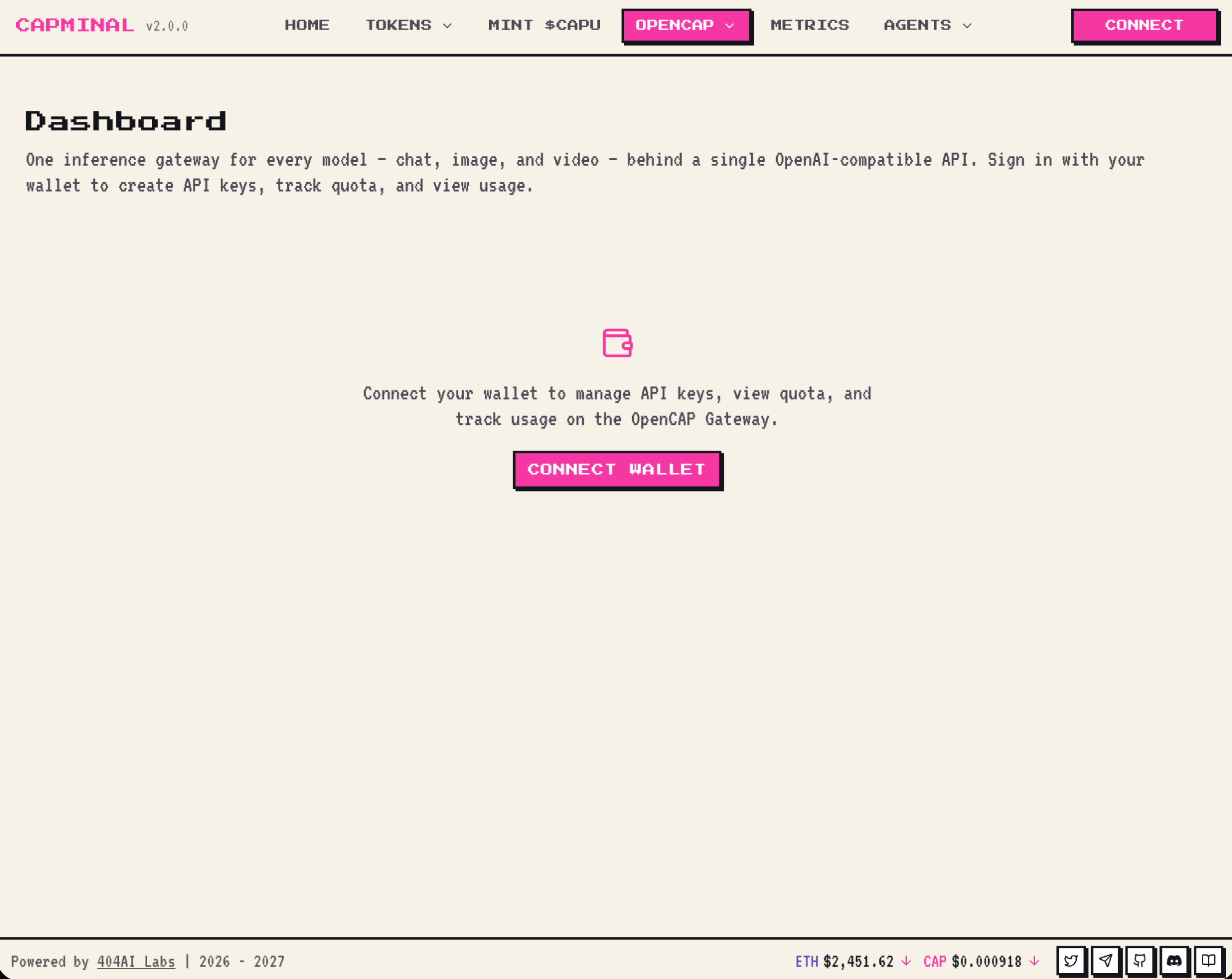
Log in with your wallet. Connect the wallet that holds your staked CAPU.
Get daily Inference Credit. Every wallet with staked CAPU is granted a daily allowance of Inference Credit — $1 of inference usage per staked CAPU, every day, renewed at 00:00 UTC. Don't have CAPU yet? See Mint CAPU to learn how to get and stake it.
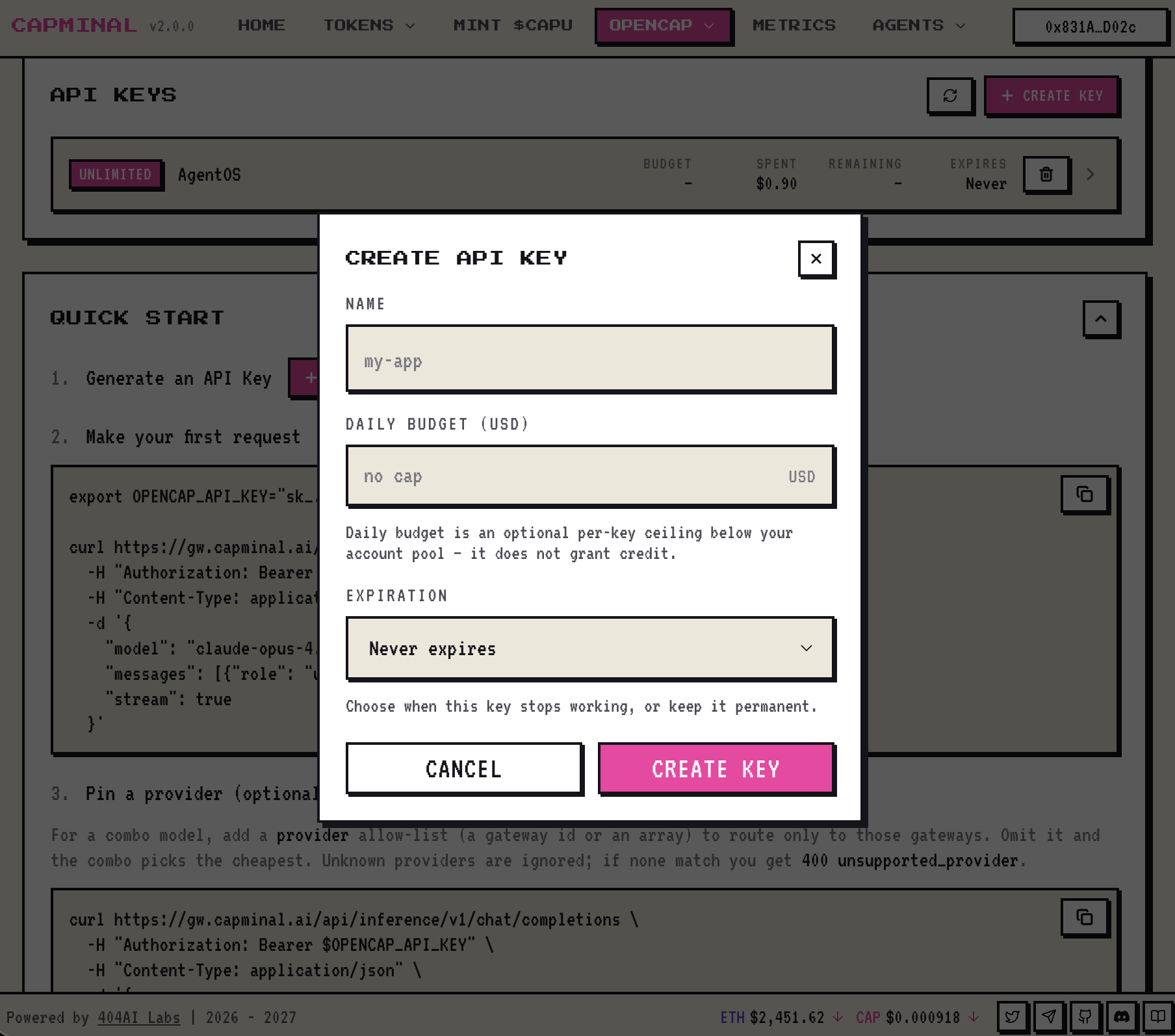
Create a key. Generate an
OPENCAP_API_KEYfrom the dashboard.Start building. Use the key with any OpenAI-compatible client, terminal, or agent framework — your usage draws down your daily Inference Credit automatically.

Inference Credit is tied to your staked CAPU. Stake more CAPU → larger daily allowance. Credit resets every day and does not roll over.
The full flow at a glance
Lock CAP → sCAP → CAPU (or simply buy CAPU), stake it to earn daily Inference Credit, then create an OPENCAP_API_KEY and point any AI app at the gateway — every request draws down your daily Credit.
Two ways to fund your inference
You don't have to choose just one. Both sources fund the same OPENCAP_API_KEY — the gateway draws on whatever you have.
Inference Credit from CAPU Staking
A daily allowance — $1/day of inference per staked CAPU, renewed at 00:00 UTC, non-rolling.
Steady, recurring usage you want to cover with capital you already hold. See Mint CAPU.
USDC Top-Up
A prepaid balance you load with USDC. It doesn't reset — you spend it down until it runs out.
One-off bursts, spikes above your daily allowance, or anyone who'd rather just pay as they go.
Your daily staking Credit is used first; once it's exhausted, the gateway falls back to your topped-up USDC balance. Stake for the everyday baseline, top up for the headroom.
Top-Up Inference with USDC
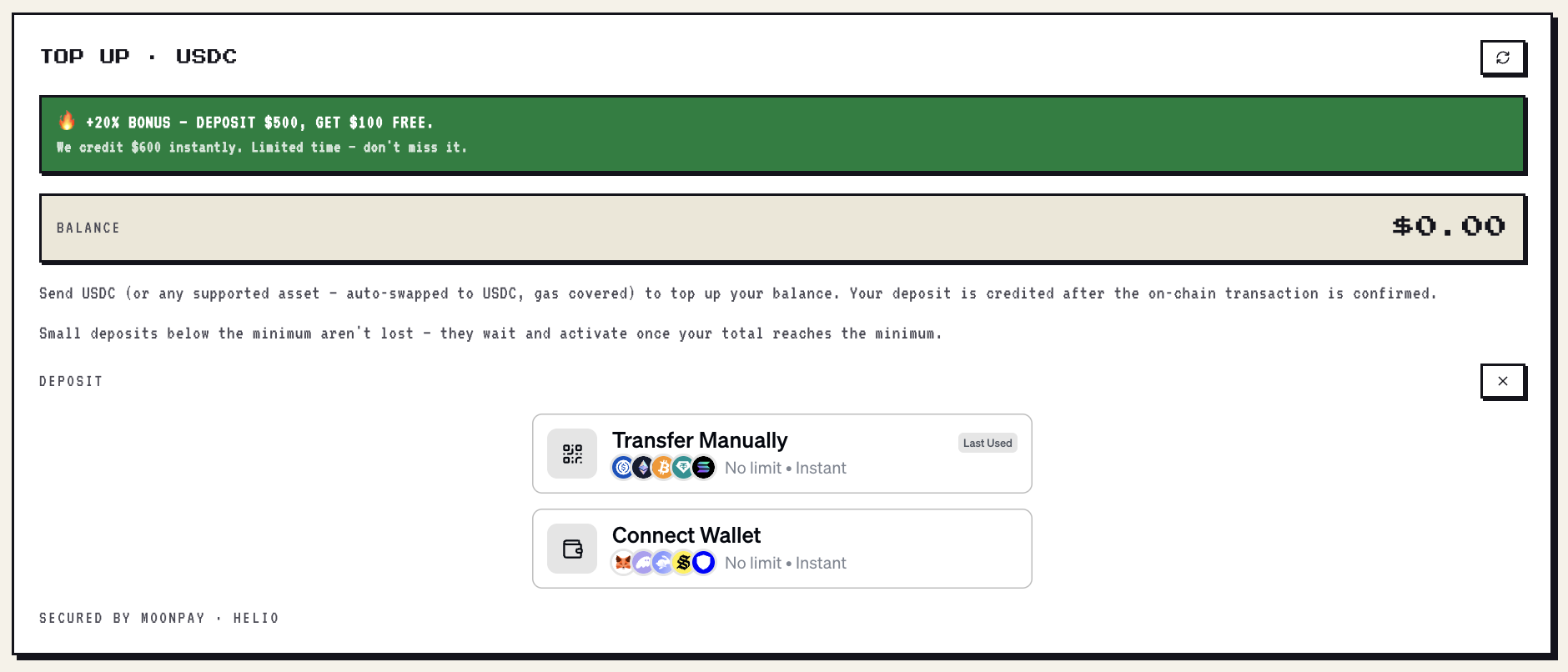
Want more inference without staking — or just a buffer for heavy days? Top up your balance directly with USDC, with payment powered by MoonPay.
Open the Top-Up card on your dashboard and hit Top-Up USDC.
Pay with USDC — or any supported asset, which is auto-swapped to USDC for you, with gas covered.
Get credited automatically once the on-chain transaction confirms. The balance shows up on your dashboard — no manual steps.
Spend it anytime. Unlike daily Credit, your topped-up balance does not reset — it carries over until you use it.

Two ways to pay
When you open the deposit panel, you can choose how to send your funds:
Transfer Manually (QR) — scan the QR or copy the address and send from any wallet or exchange. Works with USDC and other supported assets. No limit · instant.
Connect Wallet — connect a wallet (MetaMask, Coinbase, WalletConnect, and more) and pay in a couple of clicks, right from the browser. No limit · instant.

Small deposits aren't lost. If you send less than the minimum, the amount is parked and activates automatically once your total reaches the minimum — you'll see the progress on the Top-Up card.
Redeem an Inference Voucher
Got a CAP-… voucher code? Redeem it on the dashboard and the credit lands on your balance instantly — no wallet payment, no on-chain wait.
Go to capminal.ai/gateway and hit Connect Wallet to sign in.

Scroll to the Top-Up · USDC card and click Redeem Voucher Code.

Paste your code (
CAP-XXXXX-XXXXX-XXXXX-XXXXX) and hit Redeem. Your balance updates on the spot.

Scroll down to the API Keys card, click + Create Key, name it, and confirm — you now have an
OPENCAP_API_KEYfunded by the voucher.

A voucher credits its exact face value — the top-up bonus doesn't apply. Codes are single-use and limited to one voucher per account, so a redeem can't be undone.
Quick Start
After creating your key, here are a few ways to start using OpenCAP.
Base URL
Use in Terminal
Pin a provider (optional)
For a combo model, add a provider allow-list (a gateway id or an array) to route only to those gateways. Omit it and the combo picks the cheapest. Unknown providers are ignored; if none match you get 400 unsupported_provider.
Use in OpenClaw
Use in Hermes
Use in OpenCode
Keep your OPENCAP_API_KEY secret. Anyone with your key can spend your daily Inference Credit. You can revoke and regenerate keys at any time from the dashboard.
Important: CAP_API_KEY and OPENCAP_API_KEY are different keys. CAP_API_KEY controls your Capminal Agentic Wallet, while OPENCAP_API_KEY gives access to OpenCAP for using LLM models.
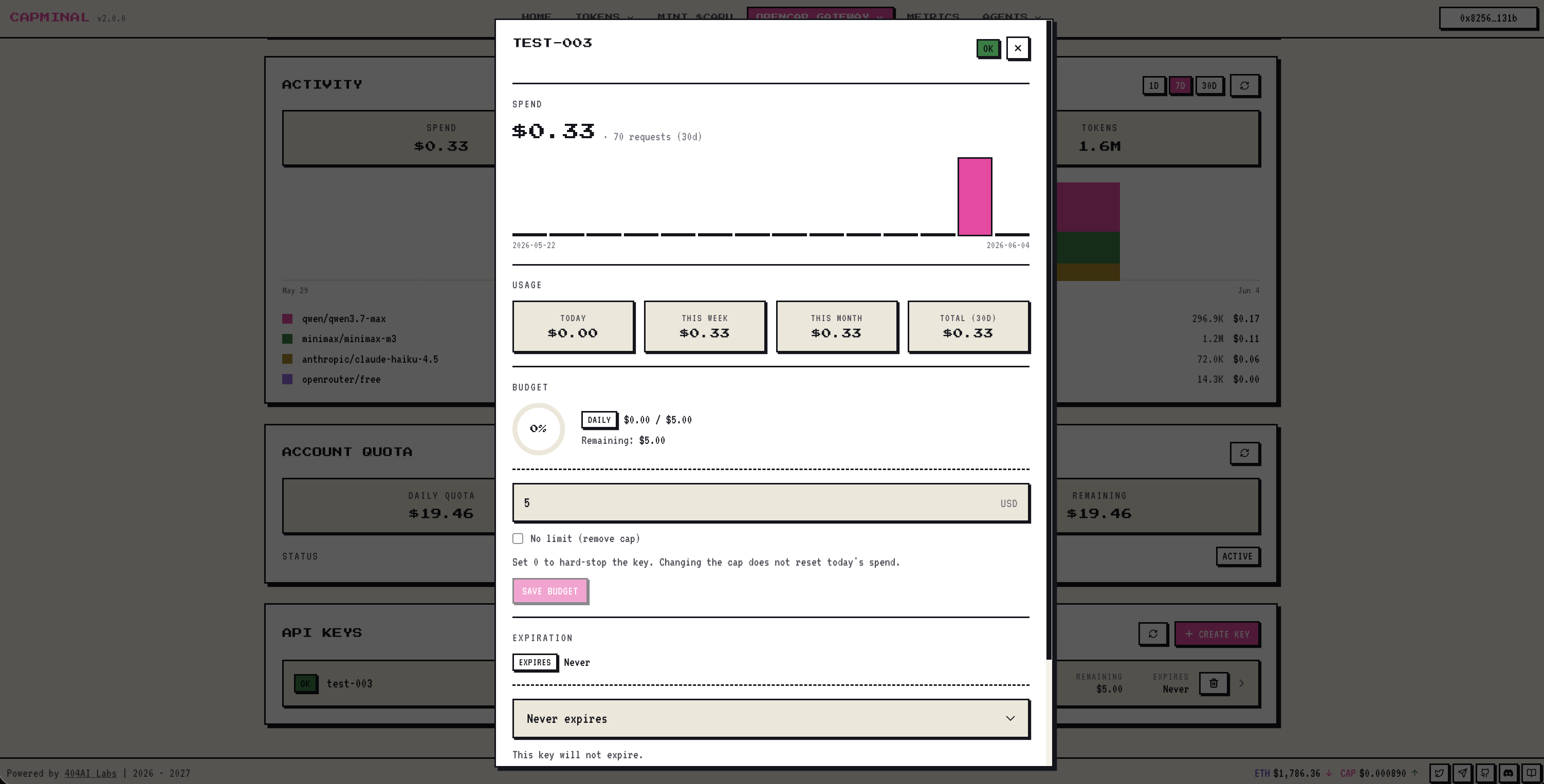
Open any key to see its live spend, usage, and budget — set a per-key daily cap, change its expiration, or revoke it on the spot.

Last updated